PuzzleFree
iPhone vs iPad: Best Device for Online Jigsaw Puzzles
February 15, 2026
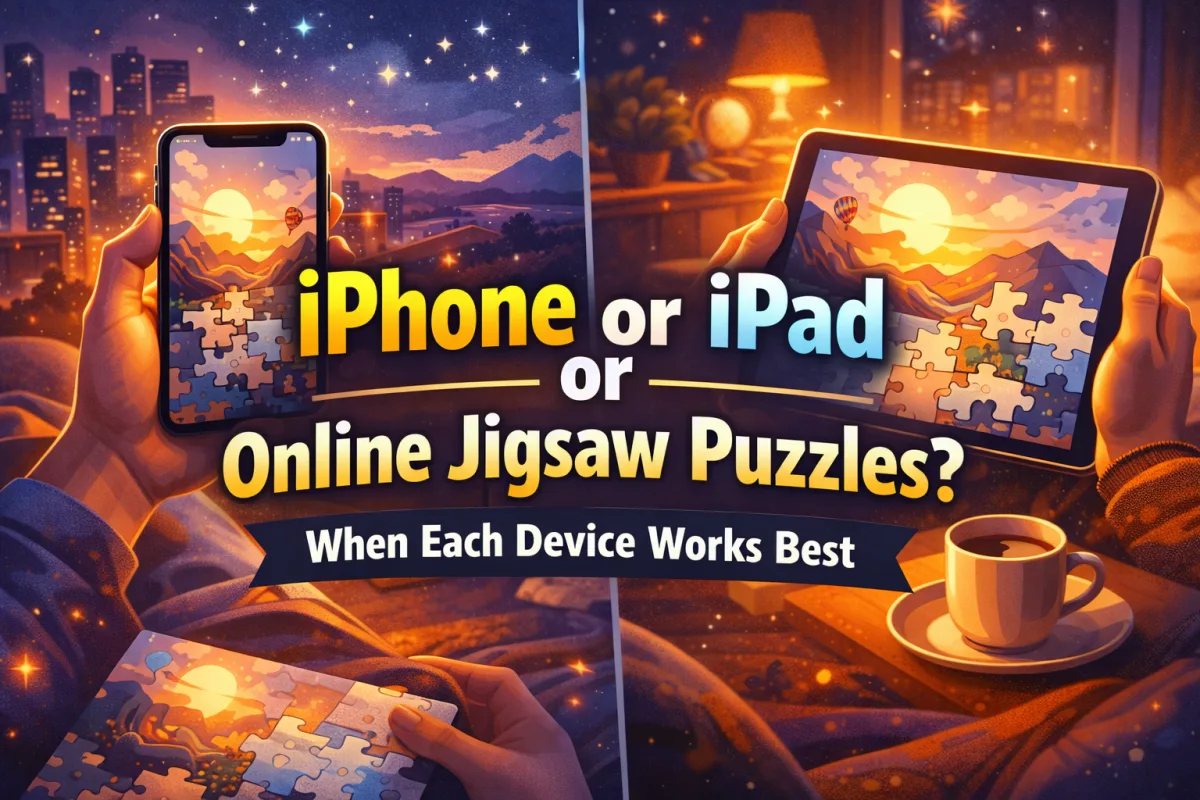
Choosing a device for puzzle games sounds simple, but it actually changes the whole experience. Jigsaw puzzles on iPhone feel fast, portable, and perfect for short sessions. Jigsaw puzzles on iPad feel calmer, larger, and more immersive — especially when you want to relax and focus for longer.
This guide compares the real-life situations where each device wins. No hype, no drama. Just a practical overview of puzzle games on iPhone vs puzzle games on iPad, including comfort, screen size, touch precision, and the best routines for adults who love relaxing brain games.
Why Device Choice Matters for Puzzle Games
Many people search for online jigsaw puzzles iPhone or free jigsaw puzzles for iPad because they want one thing: a smooth, enjoyable way to play. And the truth is, the same puzzle can feel completely different depending on the device.
With an iPhone, you usually play in “micro-sessions”: a few minutes here and there. With an iPad, it’s easier to enter a deeper flow state, because the screen gives you more visual information and less friction while moving pieces.
So the question isn’t “Which is better?” The better question is: Which device fits your daily life right now?

When iPhone Is the Better Choice
Jigsaw puzzles on iPhone are ideal when your main goal is convenience. You can play anywhere, instantly, without turning it into a “big activity.” This is why mobile puzzle games are so popular: they fit into modern schedules.
Best situations for playing puzzles on iPhone
- Commuting or waiting: short sessions while you are in a taxi, line, or lobby.
- Travel entertainment: airports, trains, long rides, hotel downtime.
- Quick breaks: 5–10 minutes between calls or tasks.
- One-hand use: when the other hand is holding coffee, a bag, or… your life together.
- Daily micro-habit: a quick daily jigsaw puzzle feels easy to maintain on phone.
Why the iPhone experience works well
- Portability: the phone is always with you.
- Fast start: you can jump in without setup or “prep mode.”
- Short-session friendly: even a few correct placements feels rewarding.
- Good for casual play: especially if you prefer fewer pieces or simpler difficulty.
One small downside: on a smaller screen, precision matters more. If you like big puzzles with many similar pieces, you might feel that finger movements become slightly less accurate. Not a dealbreaker, just a reality.
When iPad Is Better for Jigsaw Puzzles
Jigsaw puzzles on iPad often feel like the “premium comfort” option. Not because it’s expensive, but because the bigger screen makes puzzles easier to read visually and more satisfying to assemble. This is why tablet puzzle games are often associated with relaxation.
Best situations for playing puzzles on iPad
- Evening relaxation: unwind after work without scrolling social media.
- Long sessions: 20–60 minutes in a calm flow state.
- More pieces: 100+, 200+, and complex images are much easier on iPad.
- Family time: sharing the screen is simple and fun.
- Home routine: a regular relaxing habit on the couch or at a table.
Why iPad feels more immersive
- Larger visual field: you see more of the puzzle board at once.
- Less visual strain: details are easier to distinguish.
- Better “flow” feeling: fewer interruptions from zooming and repositioning.
- Comfort for adults: many people prefer a larger screen for relaxing puzzle games.
If your goal is deep focus and stress relief, iPad is often the smoother path. You still get challenge, but the experience can feel calmer and less “tight.”
Screen Size, Comfort, and Immersion
Screen size changes how your brain “reads” the puzzle. With a bigger display, you can track edges, color gradients, and shapes with less mental juggling. This matters for visual comfort and for staying focused without frustration.
Visual comfort and eye strain
If you play puzzles in low light or after a long day, a phone screen can sometimes feel intense. On iPad, pieces are larger and easier to identify. This can reduce eye strain and help you stay in a relaxed mindset.
Spatial awareness and piece placement
Jigsaw puzzles train spatial reasoning. On iPad, the “workspace” is bigger, so your brain can build a more stable mental map of where groups belong (sky, water, buildings, faces, etc.). On iPhone, you can still do it — it just might require more zoom and repositioning.
Touch Precision, Performance, and “Drag & Drop” Feel
In puzzle games, touch interaction is not a small thing. It’s basically the whole game. The device affects:
- drag and drop accuracy
- hand fatigue (especially in longer sessions)
- how often you zoom
- how quickly you can scan the board
iPhone touch feel
iPhone is great for quick placement and small moves. But for very detailed pieces, your finger covers more of the screen, and that can slightly reduce precision. If you like intense puzzles, you might prefer iPad for that reason alone.
iPad touch feel
iPad gives you more space, so dragging pieces feels less cramped. Also, iPad is a more natural “tabletop” device: you can rest it on your lap, desk, or a stand and play comfortably.
Battery and heat
Battery life depends on your device model and brightness settings, but in general, puzzles are not the most heavy category. Still, long sessions on phone can drain battery faster because the phone is doing everything all day (calls, camera, messages, background apps). iPad often feels more stable for longer play sessions at home.
Can You Switch Between iPhone and iPad?
Yes — and this is one of the best ways to enjoy puzzles on iOS. Many people prefer playing short sessions on iPhone during the day, then switching to iPad in the evening for deeper relaxation.
If you want an iOS option that supports both devices, here is the PuzzleFree AI Jigsaw Puzzles app: https://apps.apple.com/app/puzzlefree-ai-jigsaw-puzzles/id6751572041
This way you can keep a consistent puzzle habit, but match the device to your schedule.
Which Device Is Best for You? (Quick Table)
| Situation | Better Device | Why |
|---|---|---|
| Short daily sessions (5–10 min) | iPhone | Fast, portable, easy to start anywhere |
| Deep relaxation after work | iPad | Bigger screen, calmer flow, less zooming |
| Travel and commuting | iPhone | Always in pocket, one-hand friendly |
| Complex puzzles (100+ pieces) | iPad | More space for sorting and scanning details |
| Family or shared play | iPad | Bigger screen is easier for multiple people |
| Casual relaxing habit | Both | iPhone for daytime, iPad for evenings |
FAQ
Can I play jigsaw puzzles on iPhone?
Yes. Many mobile puzzle games are designed for quick sessions on a phone. iPhone is great for short daily play, travel, and casual relaxation.
Is iPad better for puzzle games?
For longer sessions and larger puzzles, many people prefer iPad because the bigger screen improves comfort, visibility, and immersion. It can feel more relaxing, especially for adults.
Does PuzzleFree work on both iPhone and iPad?
Yes. The PuzzleFree AI Jigsaw Puzzles iOS app supports both devices: https://apps.apple.com/app/puzzlefree-ai-jigsaw-puzzles/id6751572041
Are tablet puzzle games more relaxing?
Often yes, because the larger screen reduces visual strain and makes it easier to see details without constant zooming. But if you love portability, iPhone can be equally relaxing in short sessions.
What is the best screen size for jigsaw puzzles?
It depends on puzzle difficulty and your session length. Phones work well for smaller, casual puzzles. Tablets are often better for detailed images, many pieces, and longer focused play.
Final Thoughts
iPhone vs iPad for online jigsaw puzzles is not a battle, it’s a lifestyle choice. If you want convenience, travel-friendly play, and quick sessions, the iPhone is hard to beat. If you want calm immersion, bigger puzzles, and a deeper relaxation routine, iPad is usually the more comfortable option.
The smart approach is to use both depending on the situation. And if you want a dedicated iOS option that works on iPhone and iPad, you can check the app here: https://apps.apple.com/app/puzzlefree-ai-jigsaw-puzzles/id6751572041